GRIDCUE / IRACING
Review the lap.
Compare recorded laps, follow your driving lines and review your inputs. Analysis and replay are available for iRacing.
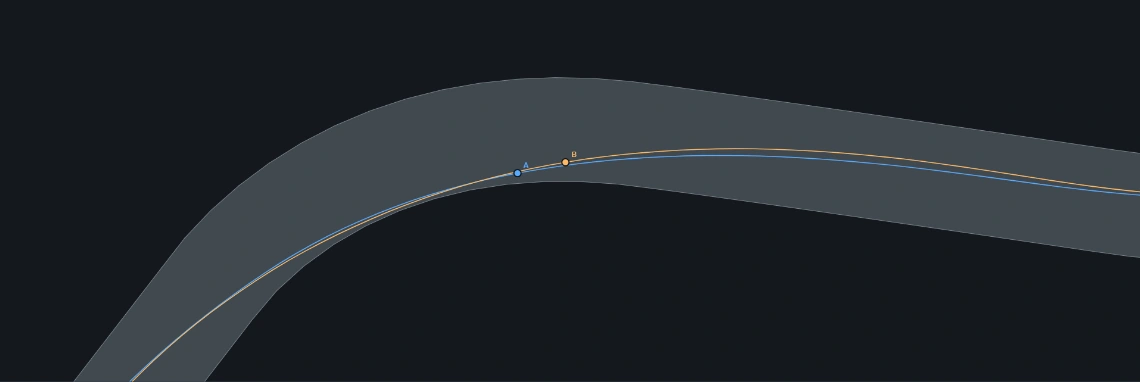
2D LAP COMPARISON
Two laps, side by side.
Compare driving lines from above. Follow either lap or both, zoom into a corner and review braking, throttle and speed.
- Import iRacing .ibt recordings or shared laps
- Synchronise by time or distance
- Replay and repeat a selected section
Recorded location data is required. Track alignment and road edges are approximate.

3D REPLAY / BETA
See the lap in motion.
Watch two recorded laps from the chase camera. Follow car placement and compare inputs through a corner.
- Two-car comparison
- Chase and orbit views
- Available with GridCue Pro
The road is an approximate, flat visualisation. This is telemetry replay, not a scanned circuit model.
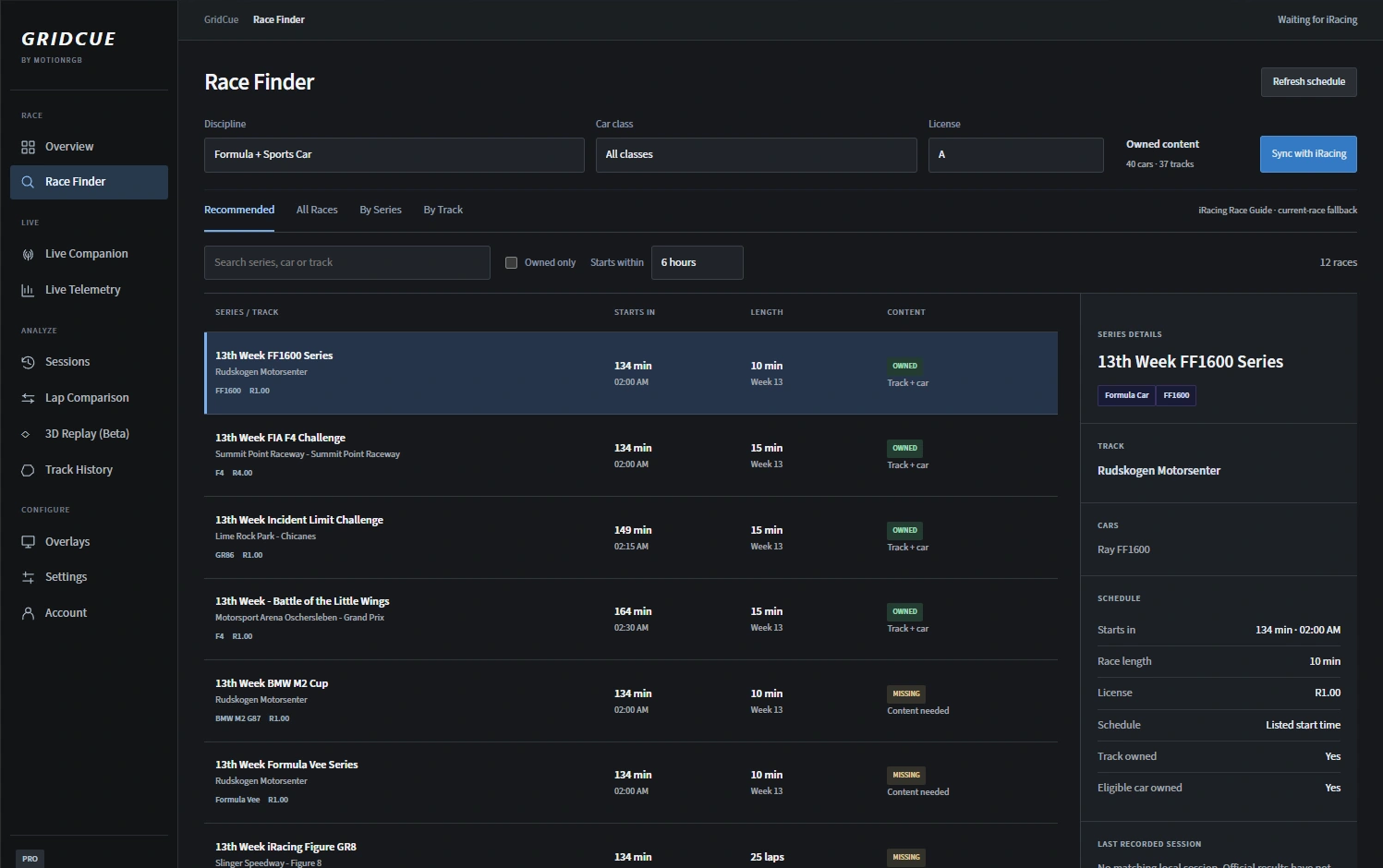
RACE FINDER / IRACING
Find your next race.
Browse sessions by discipline, class and licence. Filter by the content you own.
- Recommended and upcoming races
- Owned-content filters
- Series and track views
Schedule availability depends on the iRacing data available to GridCue.
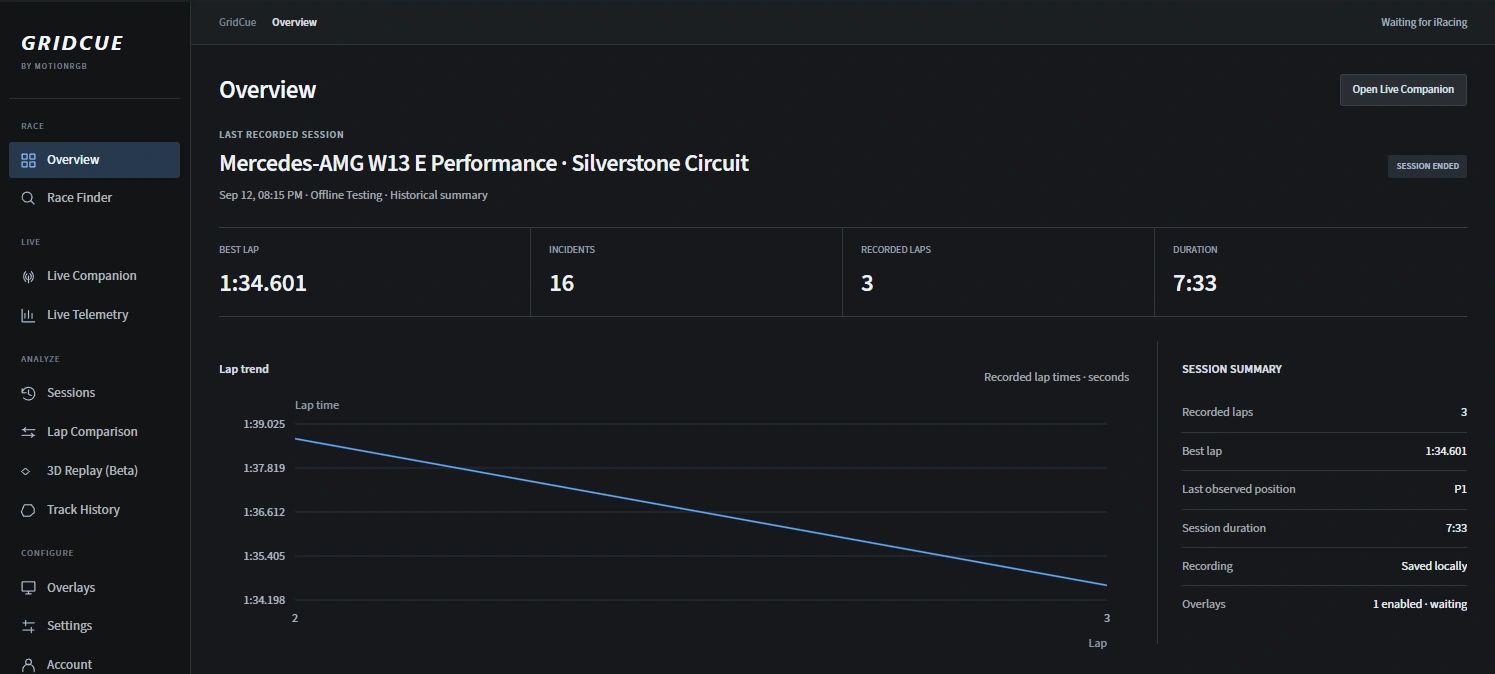
SESSION REVIEW / IRACING
Keep your sessions together.
Return to recorded sessions, review lap trends and choose the laps you want to compare.
- Recorded lap history
- Session summary and trends
- Lap comparison
Recordings stay local unless you choose to export and share them.
Start with your sim.
Install GridCue, create your account and select your game.
Windows · Free account required