Available
iRacing
Overlays, sessions, Race Finder and lap replay
GRIDCUE BY MOTIONRGB
Live data while you drive. Recorded laps when you finish. GridCue brings overlays, telemetry and replay into one Windows app.
Windows · Free account required
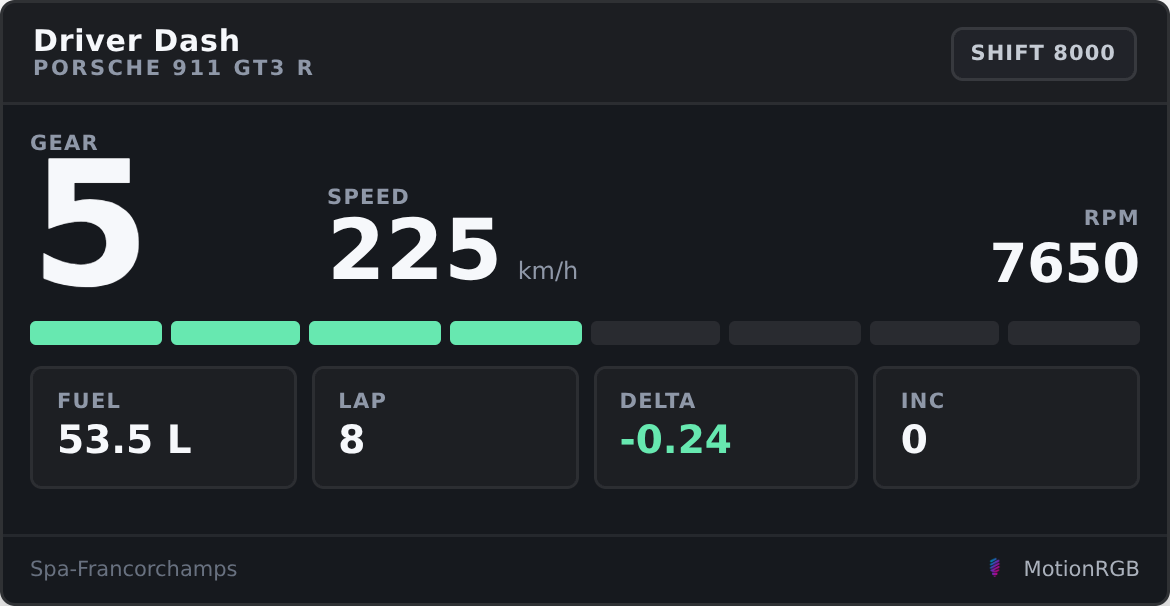
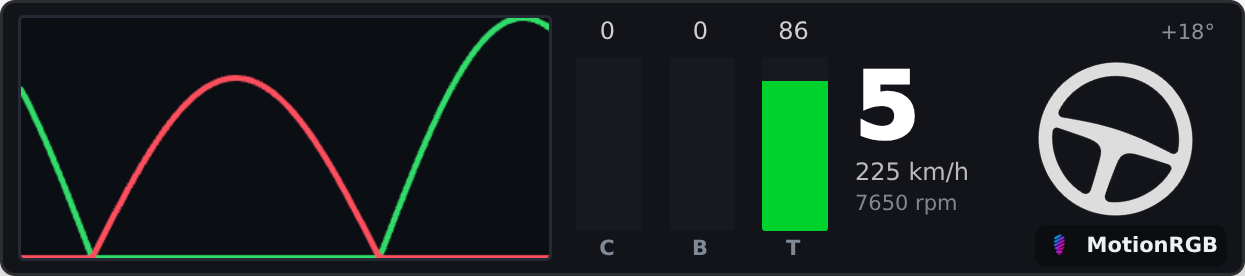
Actual app interface · sample telemetry
Available
Overlays, sessions, Race Finder and lap replay
Available
Supported live overlays
Available
Supported live overlays
Coming soon
Full integration planned. Not available yet.
LIVE OVERLAYS
Explore the actual interface. Select your game to see the overlays it supports.
IRACING / ANALYSIS & REPLAY
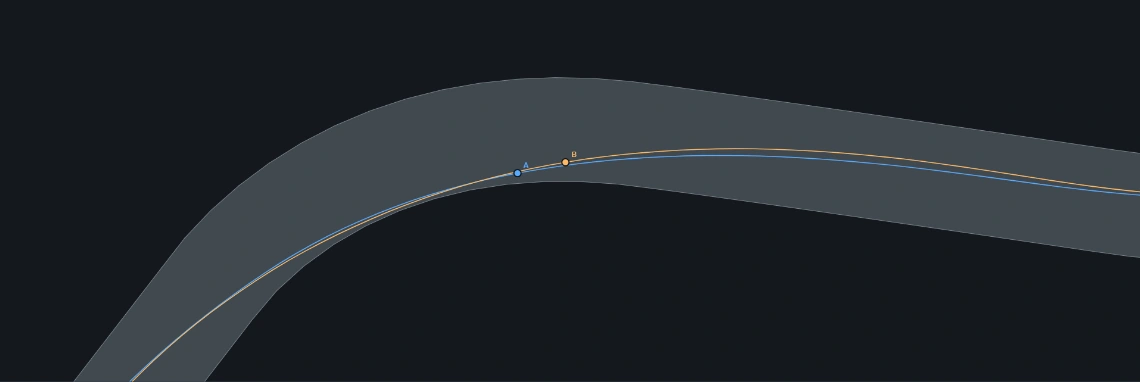
2D LAP COMPARISON
Compare driving lines from above. Follow either lap or both, zoom into a corner and review braking, throttle and speed.
Recorded location data is required. Track alignment and road edges are approximate.

3D REPLAY / BETA
Watch two recorded laps from the chase camera. Follow car placement and compare inputs through a corner.
The road is an approximate, flat visualisation. This is telemetry replay, not a scanned circuit model.
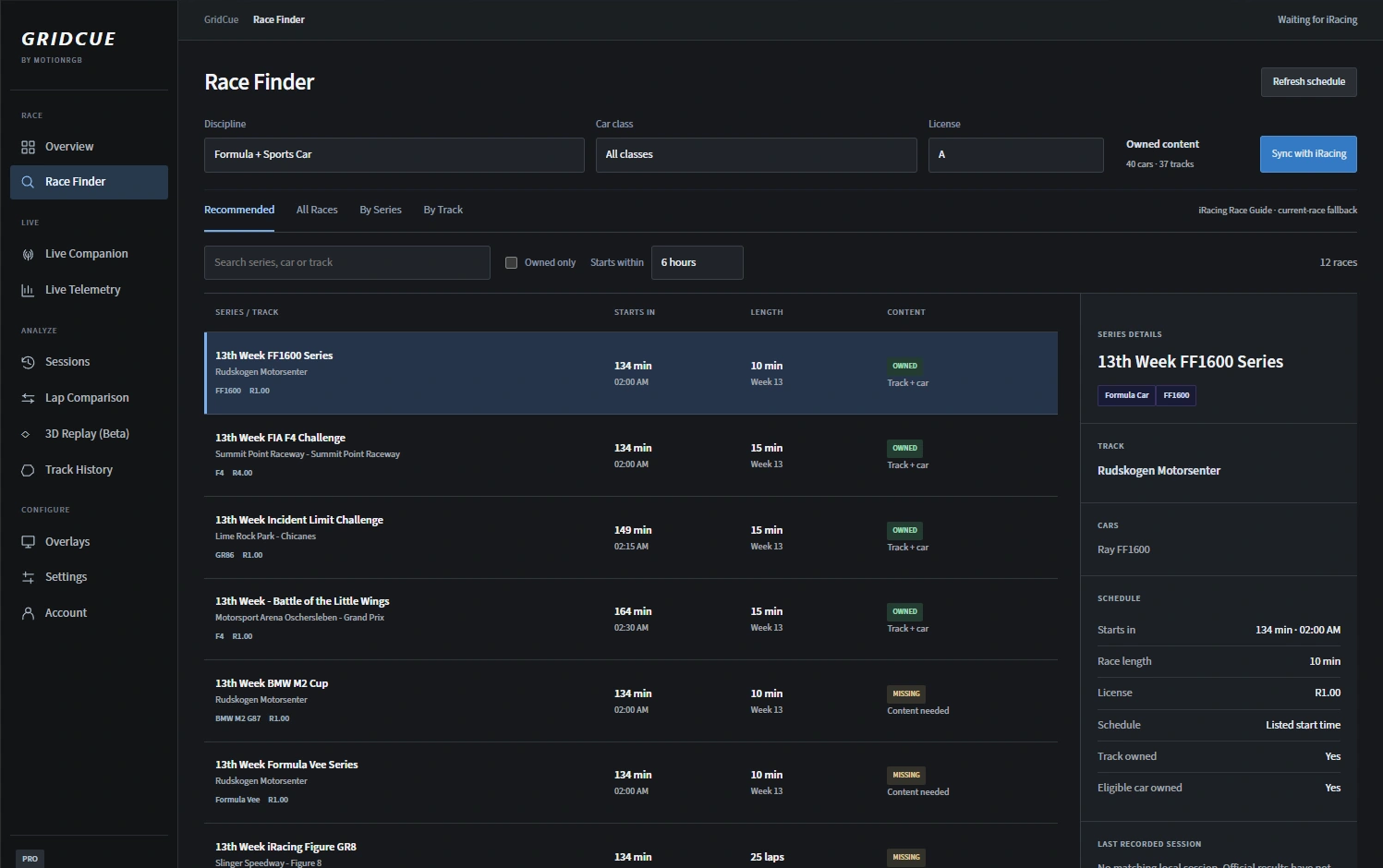
RACE FINDER / IRACING
Browse sessions by discipline, class and licence. Filter by the content you own.
Schedule availability depends on the iRacing data available to GridCue.
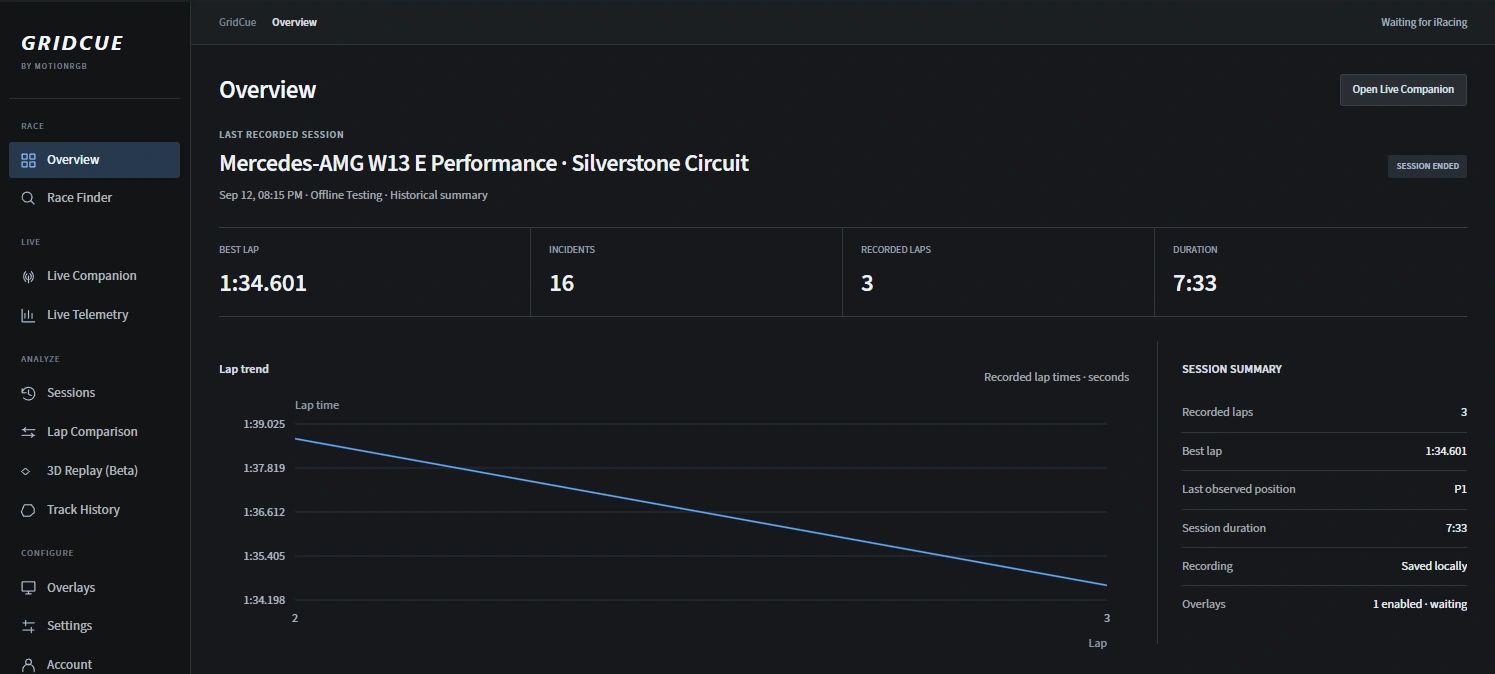
SESSION REVIEW / IRACING
Return to recorded sessions, review lap trends and choose the laps you want to compare.
Recordings stay local unless you choose to export and share them.
Get started with the core tools.
$4.99 · £3.99 · 49 NOK per month
All overlays and more ways to review.
Open GridCue to upgrade to Pro.
Available overlay data depends on your game. Subscriptions can be cancelled through the in-app billing portal.
Install GridCue, create your account and select your game.
Windows · Free account required